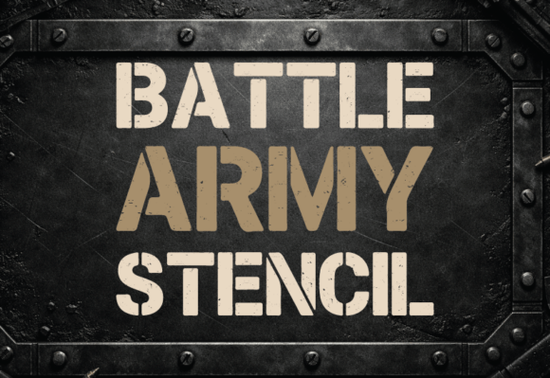
If you're looking for a bold, no-nonsense font that brings a raw, battle-worn feel to your designs, Battle Army Stencil Font delivers exactly that. It’s built for impact perfect for military-themed projects, tactical branding, or any design where you want a strong visual presence with an authentic, gritty edge.
What makes this font stand out?
Unlike clean, polished typefaces, Battle Army Stencil blends sharp geometric shapes with intentional imperfections. Think scratched edges, uneven ink smudges, and worn textures that mimic real-world stencil work seen on tanks, helmets, and field gear. These details aren’t just decorative they give the font a sense of history and realism that works well in high-contrast visuals.
The structure stays readable even at smaller sizes, thanks to its clear letterforms. That balance between toughness and clarity is what makes it ideal for use on posters, YouTube thumbnails, apparel prints, and gaming content. Whether you’re designing a t-shirt for a veteran’s group or creating a cover for a tactical video game mod, this font adds instant attitude.
Where can you use Battle Army Stencil Font?
- YouTube & social media thumbnails – Grab attention fast with bold, distressed text that stands out in crowded feeds.
- Gaming and esports branding – Perfect for team logos, player names, or in-game UI elements.
- Apparel and print-on-demand items – Works great on hoodies, caps, and patches with a rugged military vibe.
- Posters and event flyers – Ideal for concerts, exhibitions, or campaigns with a combat or rebellion theme.
- Logo design for tactical or outdoor brands – Adds authenticity without overwhelming the message.
You’ll find that the font pairs well with other bold sans-serifs, especially when you want to layer different textures. For example, combining it with something like Bright Darling Duo creates contrast softness against grit while keeping the overall look cohesive. Or try pairing it with Olline for a modern twist on classic military typography.
How to get the most from this font
When using Battle Army Stencil, keep your layout simple. Let the font do the talking. Avoid overloading the design with too many elements, especially if you’re using it as a headline. Use solid background colors (like black, dark gray, or olive green) to make the texture pop.
For digital use, ensure your file format supports transparency if needed PNG or SVG works best for web and social media. If you’re printing, check that your printer handles fine textures well to avoid blurring or fading.
Don’t forget to experiment with color. While black or dark gray gives the most authentic military look, red or rust tones can add a worn-in, battle-scarred feel. Try overlaying a subtle noise texture behind the text to deepen the effect.
Why designers love this font
It’s not just about looks. The font’s reliability in both digital and print formats makes it a go-to choice. It’s easy to install, compatible across platforms, and doesn’t crash design software something that matters when you’re working under deadline pressure.
For small businesses and hobbyists, it’s a low-cost way to elevate branding. No need to hire a custom designer for a tactical logo this font gives you professional results right away.
If you’re exploring more fonts in this style, consider checking out Battle Army Stencil Font directly on Creative Fabrica for full access and licensing options. You can also browse similar styles like Bright Darling Duo Font and Olline Font to expand your toolkit.
Now that you’ve seen how versatile and effective this font can be, take a moment to explore it in action. Try using it on a mockup for a project you’re working on whether it’s a poster, a t-shirt design, or a social media post and see how it changes the mood of your work.
Quick checklist before you start:
- Download the correct file format (OTF, TTF, or WOFF).
- Test the font at different sizes to ensure readability.
- Use contrasting backgrounds to highlight the texture.
- Keep surrounding design elements minimal for maximum impact.
- Check licensing terms if planning commercial use.
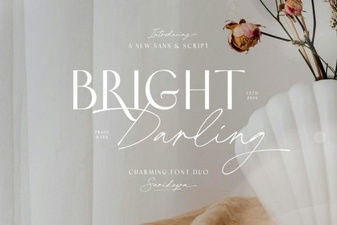 Vibrant Typography Duo for Creative Design Projects
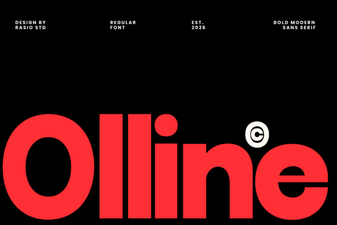 Olline Font: Modern Typography for Creative Projects
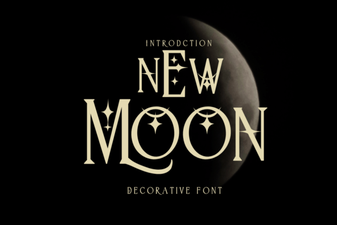 New Moon Font: Elegant Typography for Creative Projects
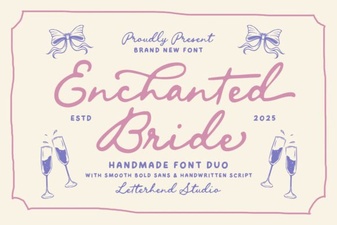 Enchanted Bride Font: Elegant Wedding Typography Design
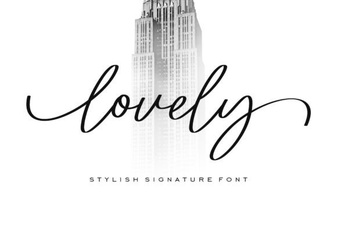 Lovely Font: Elegant Typography for Creative Projects
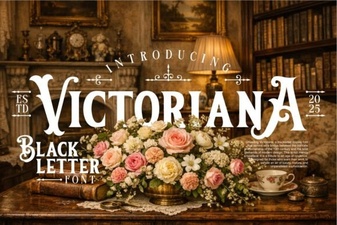 Victoriana Font: Elegant Typography for Vintage Design Projects